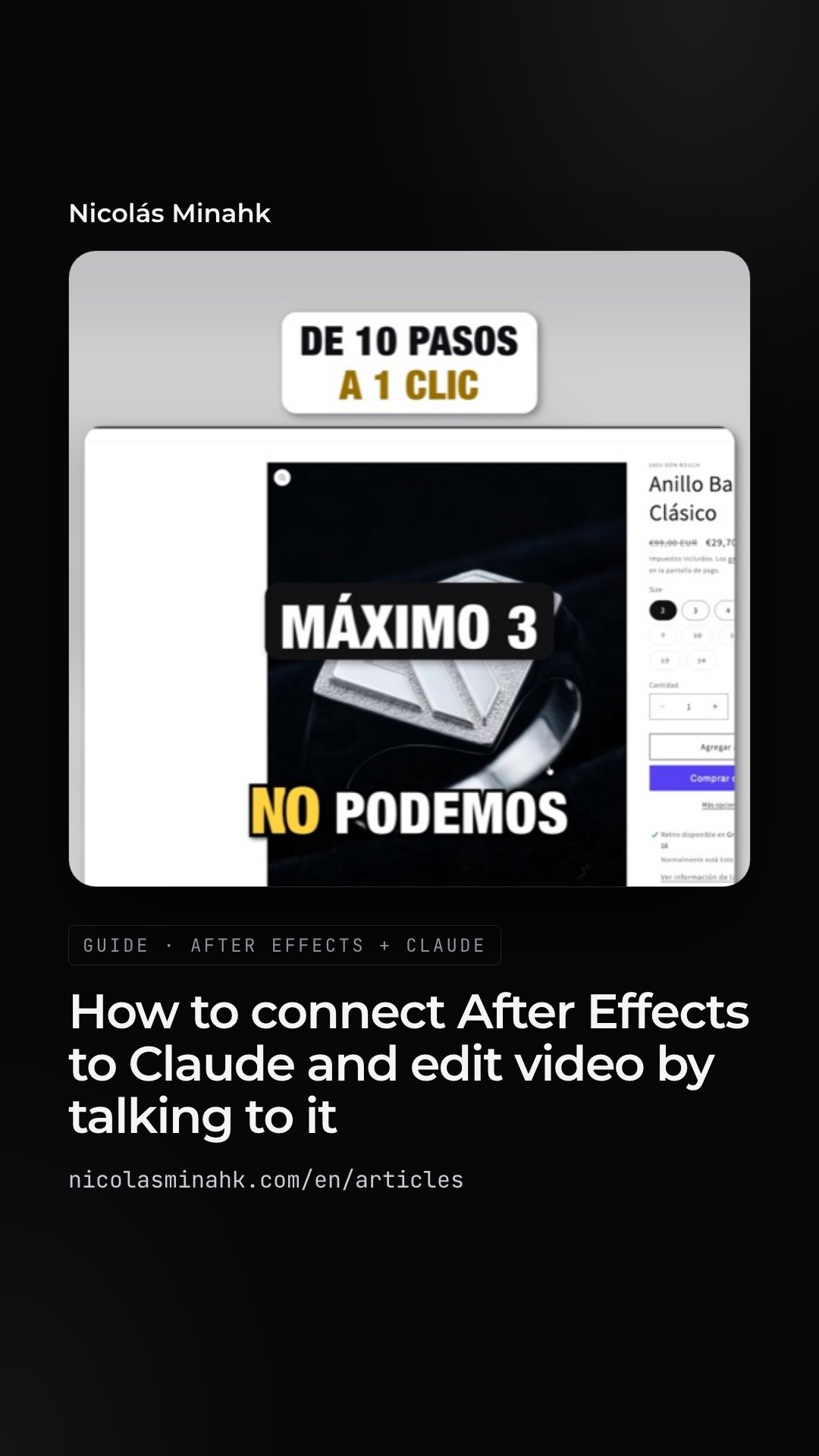
How to connect After Effects to Claude and edit video by talking to it
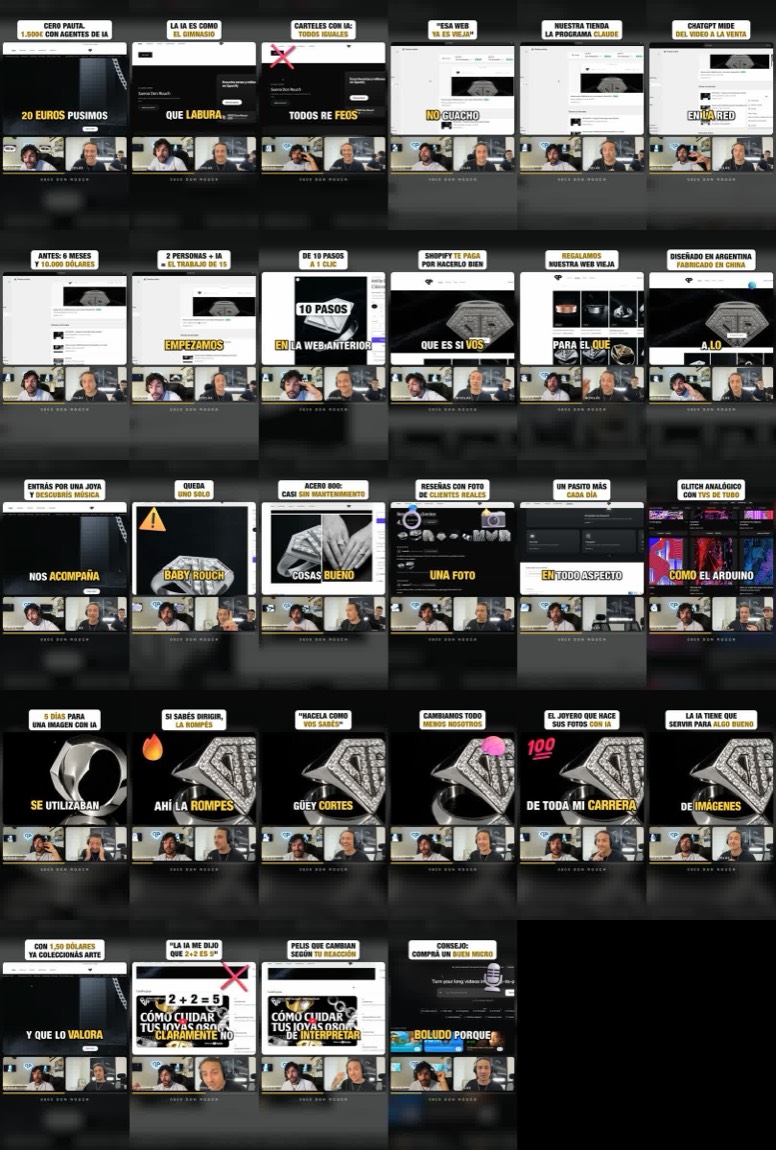
I connected After Effects to Claude Code and asked it to cut two long streams into clips. It produced 28 vertical clips with captions, cuts and graphics. This is the full process, so you can repeat it with your own footage.
What this is, in one line
An MCP is a connector: it gives an AI model access to a program. The After Effects one is open source —published by Kumo Productions on GitHub— and lets Claude open your project, create compositions, layers, keyframes, effects and text, and render. You talk to it in plain language; it decides what to touch.
What you need
- After Effects 2024, 2025 or 2026, on Windows or Mac. No plugin to install.
- Claude Code and Node.js 24 or later.
- One After Effects setting turned on: Preferences → Scripting & Expressions → “Allow Scripts to Write Files and Access Network”. Without it, nothing works.
- On a Mac, the first time, the system asks you to let the terminal control After Effects (System Settings → Privacy & Security → Automation).
Step 1 · Hand the repository to Claude Code
You do not need to install anything by hand. Open Claude Code and paste the repository link:
Here is a repository: https://github.com/kumoproductions/mcp-aftereffects I want to use the After Effects MCP. Confirm it is the right one, install it and connect to After Effects.
Claude reads the repository instructions, installs it and registers it. If you would rather do it yourself, it is a single command: claude mcp add aftereffects -- npx -y @kumoproductions/mcp-aftereffects
Then open After Effects with a project. Use a copy: the MCP really modifies the project, and what it reads from it —layer names, file paths— goes to the AI service you are using. Keep that in mind if you work with confidential material.
Step 2 · Make the AI understand the footage before editing it
This is the step almost everyone skips. Claude does not watch a 45-minute video the way you do: if it does not know what is said and at which second, it cuts blind.
Before touching After Effects, run the footage through a model that interprets it. There are two levels:
- A transcript with per-word timings. That is what I used: Whisper, free and running on the machine itself. On a Mac it transcribes 45 minutes of stream in about 85 seconds. With it, Claude knows what was said and when, picks the moments and syncs the captions word by word.
- A model that watches the video, when the visuals matter: a multimodal one that describes what happens on screen, scene by scene. You hand that description to Claude along with the transcript.
With the transcript in hand, I asked it to pick the moments that stand on their own, out of context, and to skip the backstage stretches. It came back with a list: a title and a time range for each clip. I reviewed and corrected it before anything was built. That list is your editorial judgement, and it is not worth delegating without a look.
Step 3 · Ask for a style, not for After Effects instructions
Do not explain how to use After Effects. Explain what you want to see. The fastest way is to give it references: the content creators whose editing you like.
A name alone is not enough, though. Tell it exactly what you like about how they edit:
I want vertical clips edited like [your favourite creator]: big word-by-word captions with the active word highlighted, cuts with no silences, short zooms on every cut and a title on top saying what the clip is about.
This is the recipe I approved, on the third version:
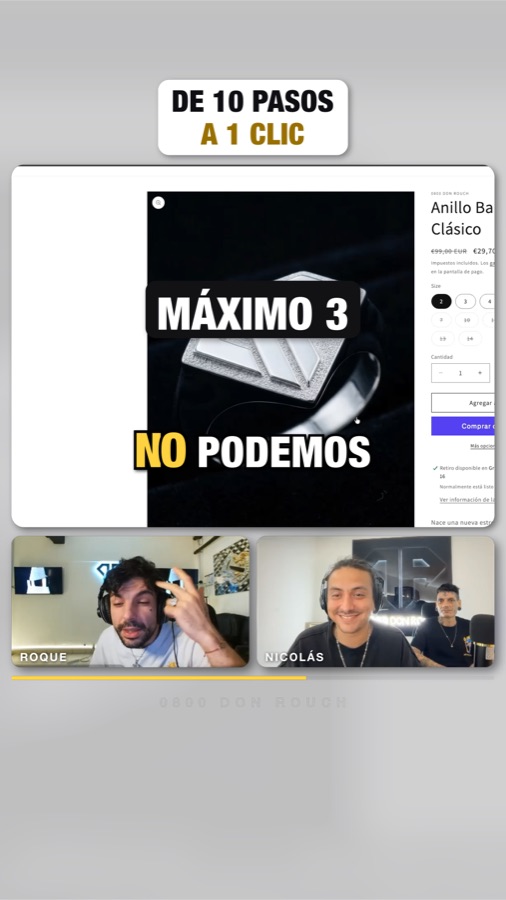
- 1080 × 1920 format, with the shared screen on top and both cameras below.
- Title in a white box, with the key word in gold.
- Karaoke captions in capitals: the word being spoken lights up in yellow.
- Cuts that remove every pause longer than 0.3 seconds, with alternating zooms on each cut.
- Graphics that appear when the word is said: 3D emoji, key-word cards and numbers that count up.
Step 4 · Check frames, not the whole render
The MCP can render a single frame to show you how it is going. Use that: ask for three or four control frames per clip before exporting the full video. You catch an out-of-sync caption or a title leaving the safe area in seconds, not after a render.
I went through three versions before approving the recipe. From there, Claude wrote a file describing each clip —range, title, words to highlight, text corrections— and built all 28 in one batch.
What did not go well
So you do not walk away thinking it is magic.
- After Effects does not fix the audio. My voice was recorded twice: a copy about 60 milliseconds late, most likely leaking back through the video call. After Effects has nothing to remove it, so it had to be solved separately, with audio processing outside the program. If the recording is dirty, so is the clip.
- The transcript gets proper names and jargon wrong. You have to read and correct it before building, or the mistake ends up written in a caption.
- After Effects in Spanish adds a layer. Effects have translated names and had to be referenced by their internal names.
- The first clip takes time. Speed comes once the recipe is approved. Day one is iteration.
Why it is worth it
What you keep is not 28 clips: it is the recipe. For the next stream, the work is transcribing, picking moments and reviewing. The system does the editing, in the same style every time.
That is the difference between using AI to make one piece and using it to build the machine that produces them.
Want this system built for your brand? Tell me what you record and how often.
See packages and pricesCustom development